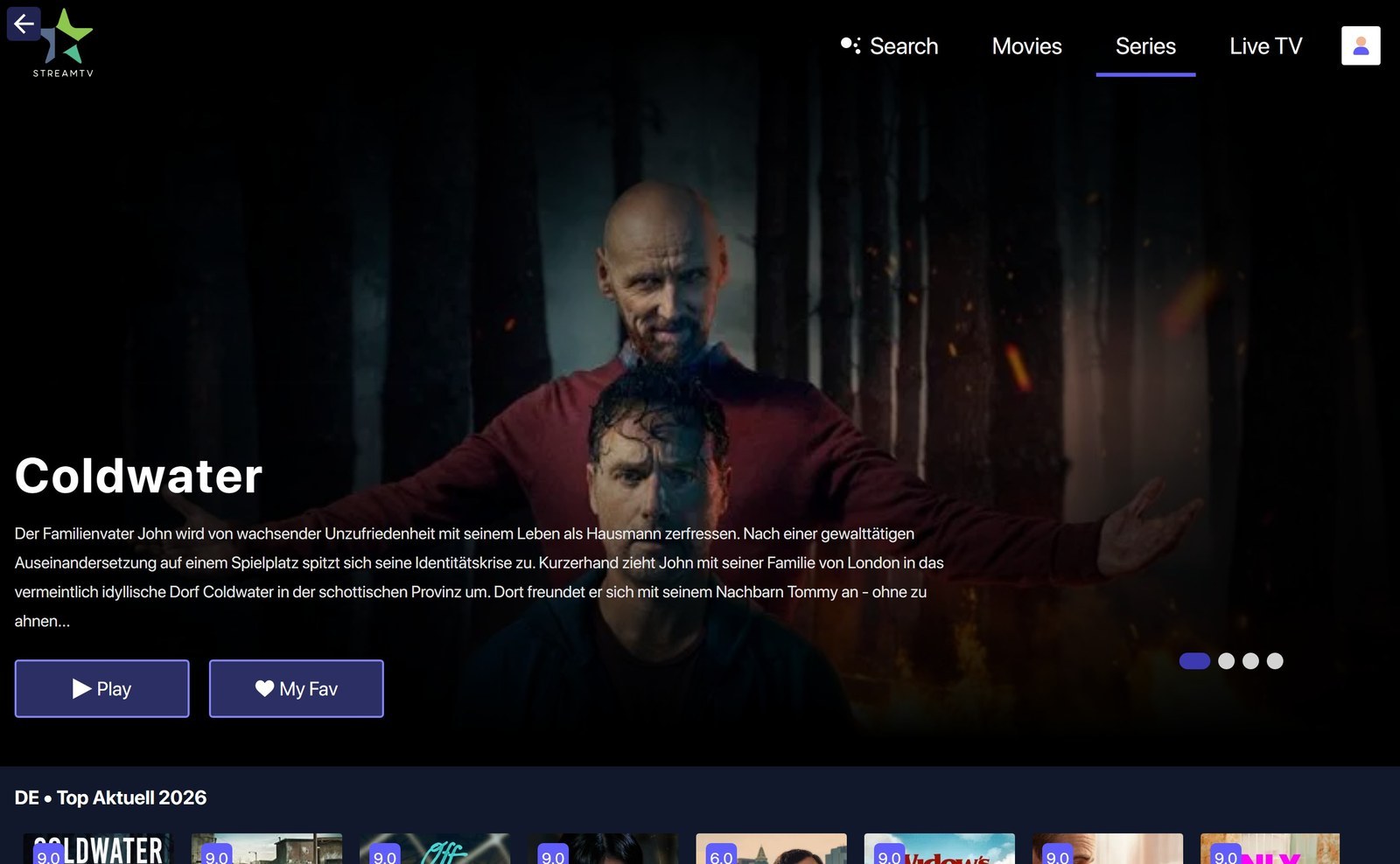




With the VenneTV PC Player you use your IPTV access right on your PC — Live TV, movies and series in a dedicated app, no detour through browser or Android emulator.
The player is preconfigured — just log in with the credentials of your VenneTV access and you're ready. Available for Windows and macOS.
⚡ Download
You'll find the player in your client area under Downloads — pick the one for your operating system:
⚙️ Installation on Windows
- Download the matching file for your Windows version from the download area:
Stream-TV-PC-Player-Win11.exefor Windows 11Stream-TV-PC-Player-Win10.exefor Windows 10
- Double-click the file — Windows may show a SmartScreen warning. Click "More info" → "Run anyway"
- Follow the installer dialog, then launch the player from the Start menu or desktop icon
⚙️ Installation on macOS
- Download the file
Stream-TV-PC-Player-Mac.dmgfrom the download area - Double-click the
.dmgfile to open it - Drag the Stream TV app icon into the Applications folder
- On first launch macOS may show a security warning. Open System Settings → Privacy & Security and confirm the app with "Open Anyway"
✨ Sign in
On first start the player asks for your credentials. Just use:
- Username — the username of your VenneTV IPTV access
- Password — the password of your VenneTV IPTV access
⚡ What the player looks like
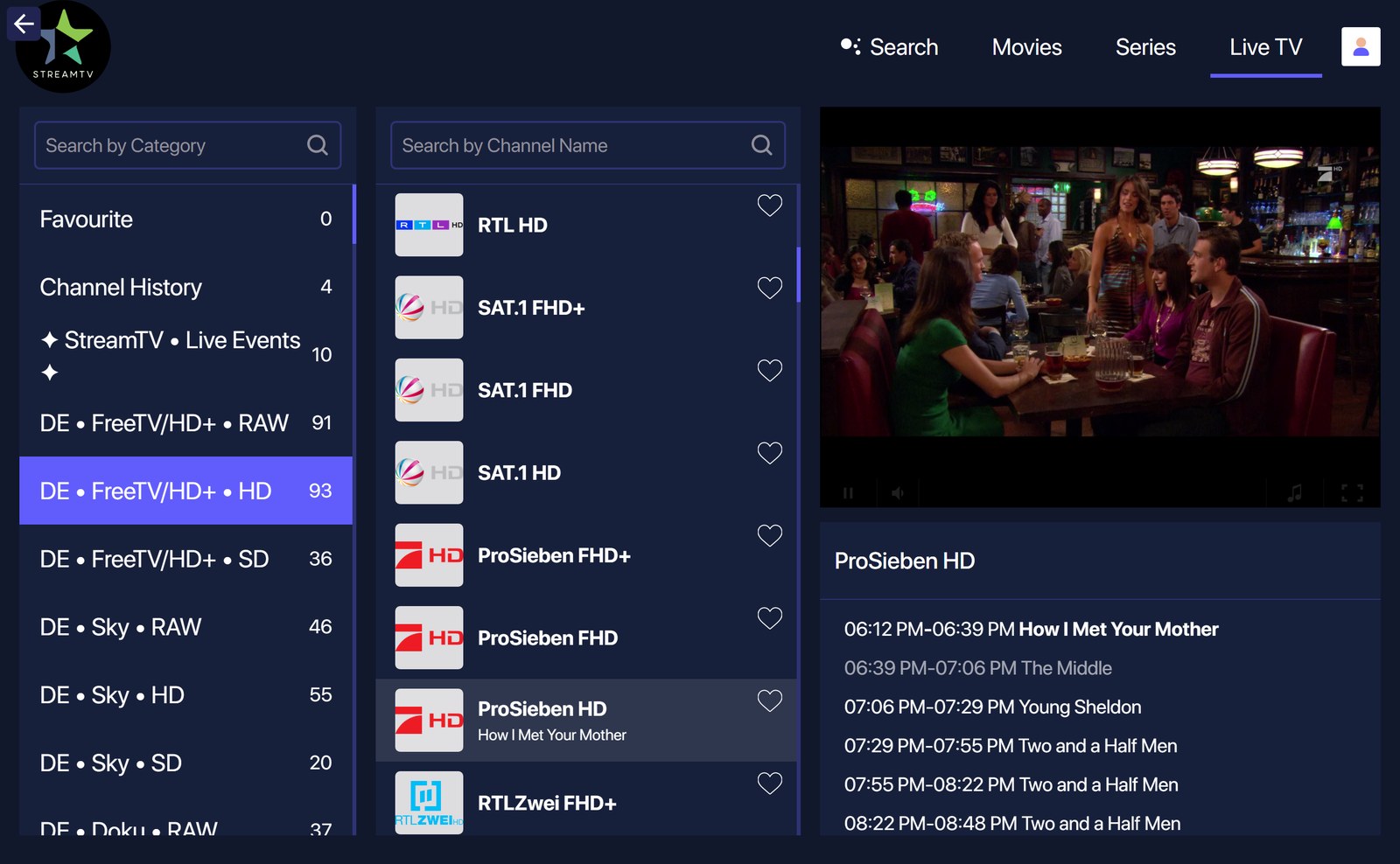
After login you land on the Live TV overview. Categories on the left, channels in the middle, the selected channel plays on the right with EPG.
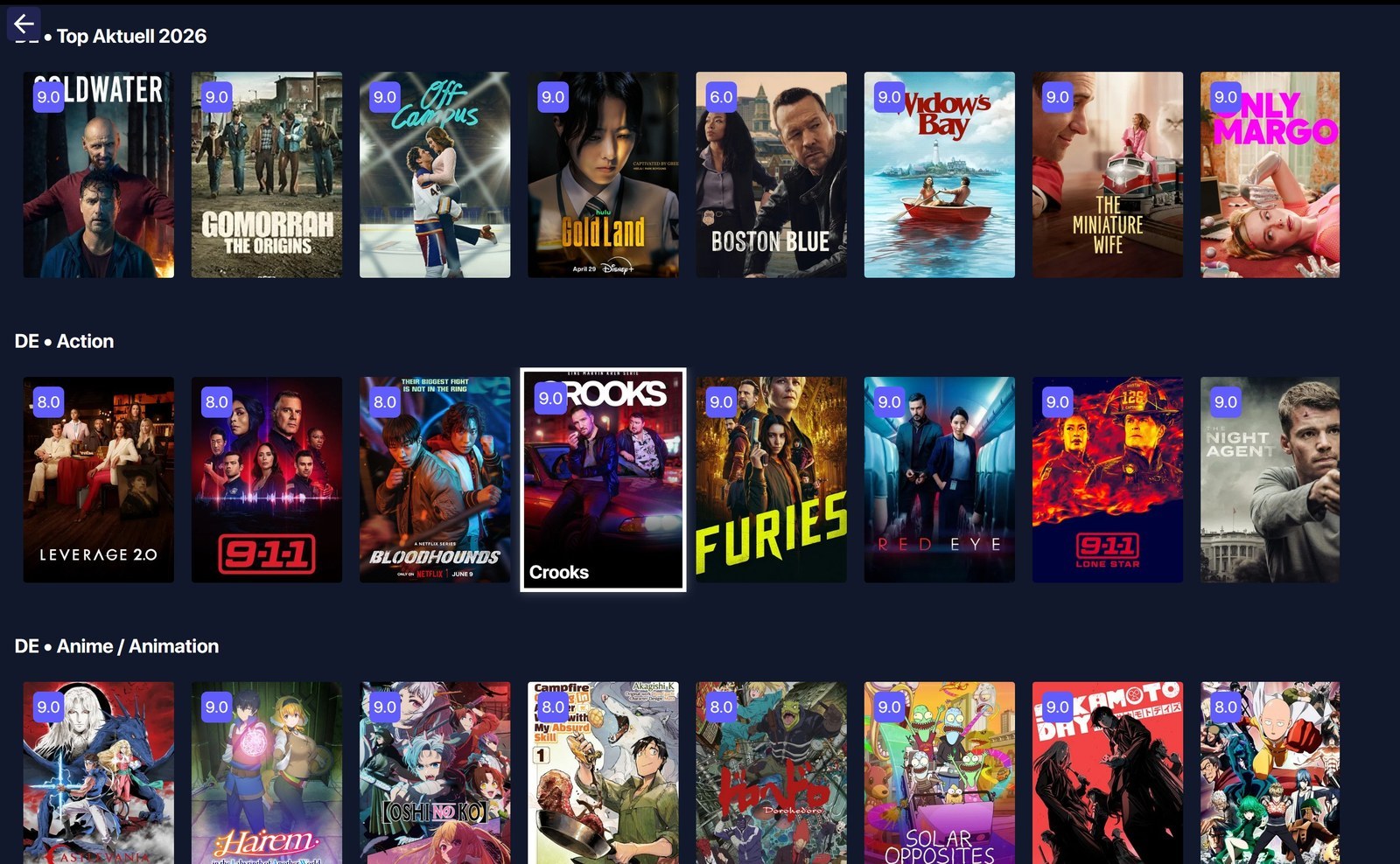
Use the top navigation to switch between Live TV, Movies, Series and the Search. The "Top Aktuell" section shows the latest highlights:
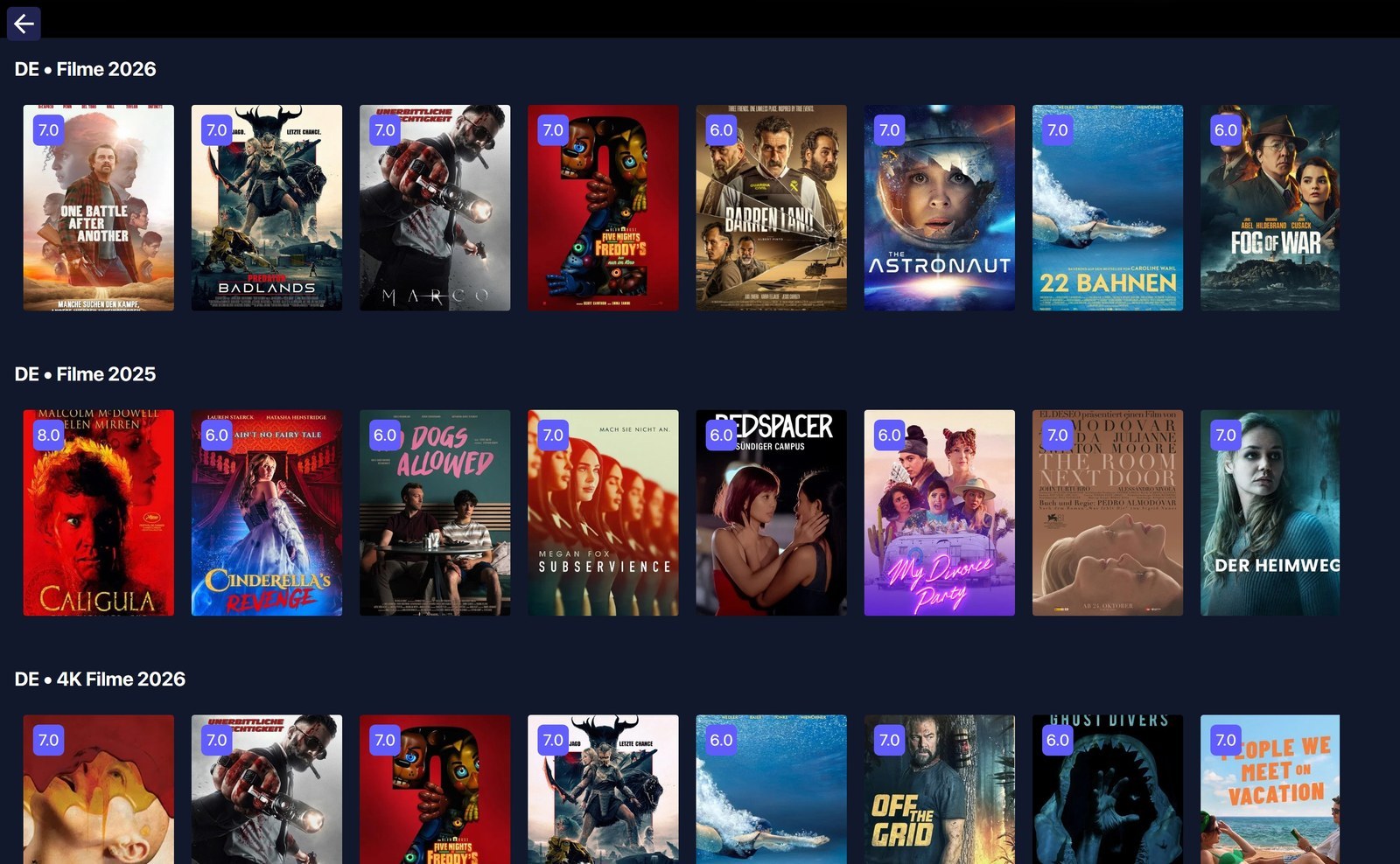
The movie library is sorted by year and genre, including a dedicated 4K section:
Every series and every movie has a detail view with description and play button:
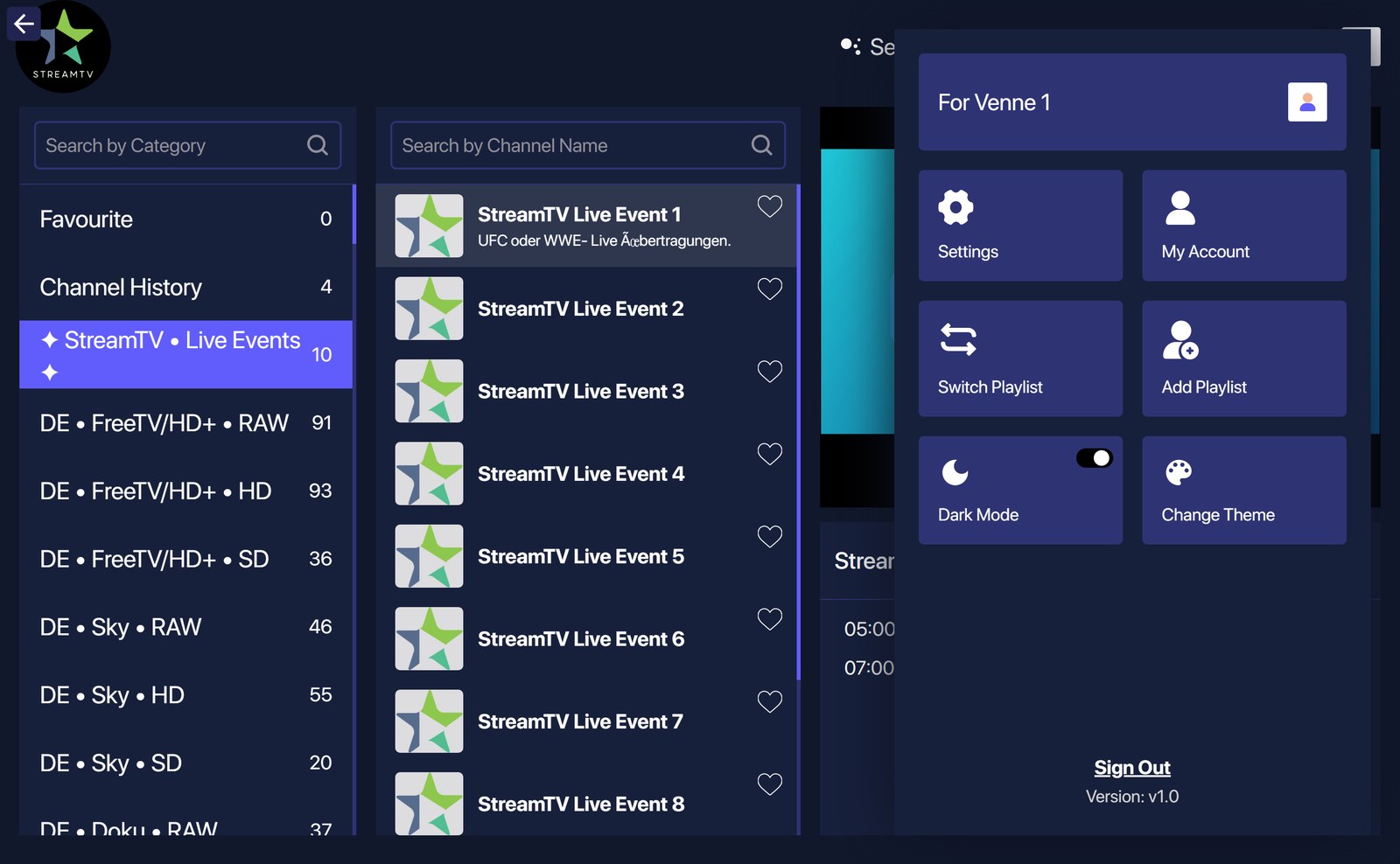
⚙️ Account menu
The profile icon at the top right opens settings, dark mode, theme switching and the sign-out: